This article will talk through how to troubleshoot Agent login issues in CAS Shield and where to look for extra support.
1. If an agent user is unable to login to the CAS Shield agent portal, firstly, please check the CAS Shield URL address being used. For all agents this should be https://agents.cas-shield.com/
2. Next, check the username being entered; this should be the email address the user is registered with on CAS Shield. Please also check here for errors or typos.
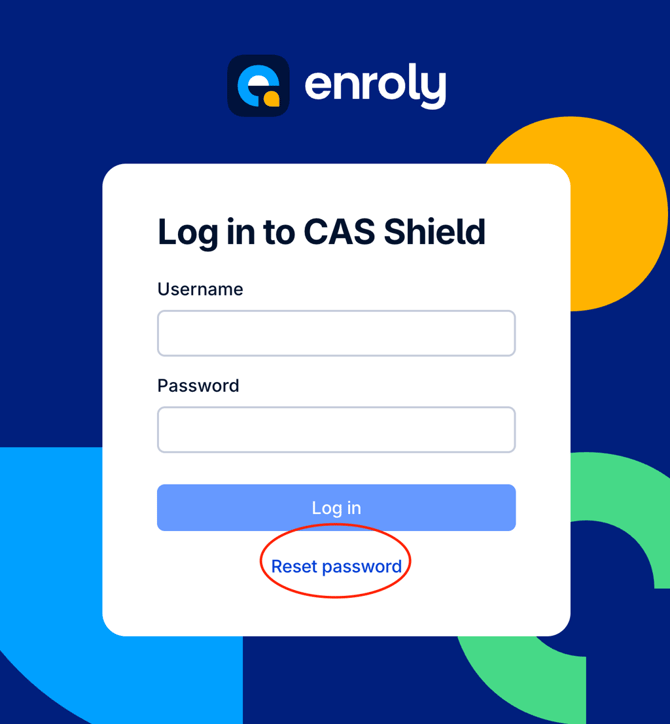
3. If they are still unable to login e.g. forgotten the password or your login credentials are incorrect, they will need to click the Reset Password button.
From here, enter the email address registered with CAS Shield in the text box and click "Send reset password link":
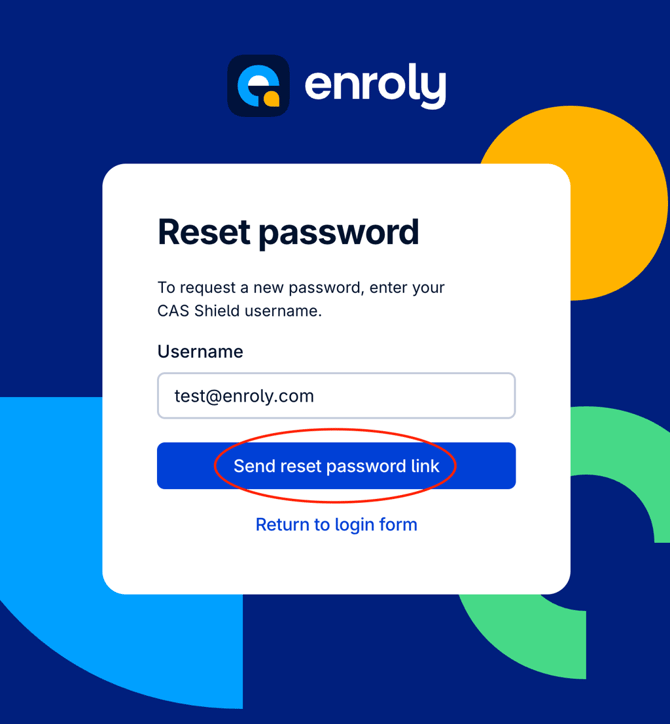
An email will be sent shortly which will contain a link to create a new password.
Please note: this link should be used promptly after receiving it, otherwise it may expire and the password reset may not submit successfully.
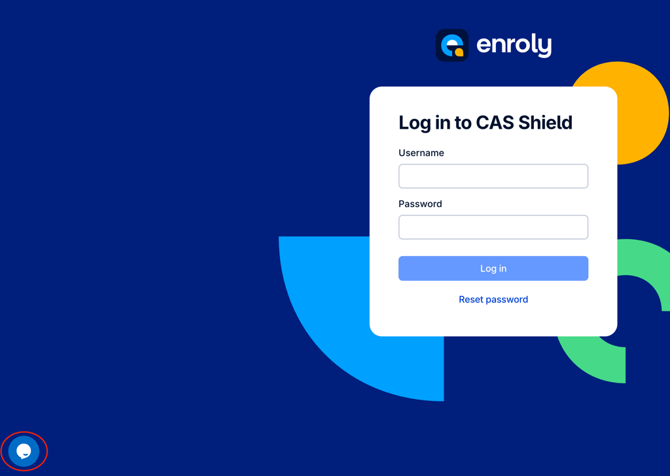
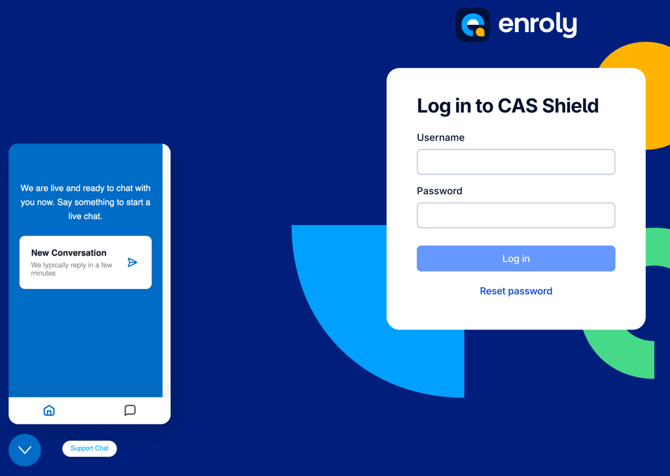
4. If the details are still not working after following the above guidance, agents can click on the blue speech bubble in the bottom-left corner to reach out to the Enroly Support Team