Step by step instructions on how to delete a document on CAS Shield
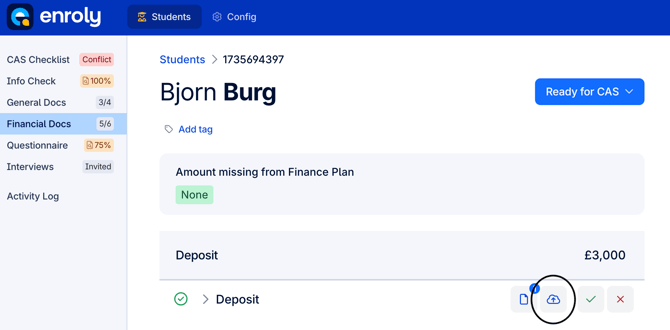
1. Go to the appropriate document/file you want to delete. For example, in the following screenshots we are deleting a deposit receipt, found in the financial docs section.
2. Click on the upload button.
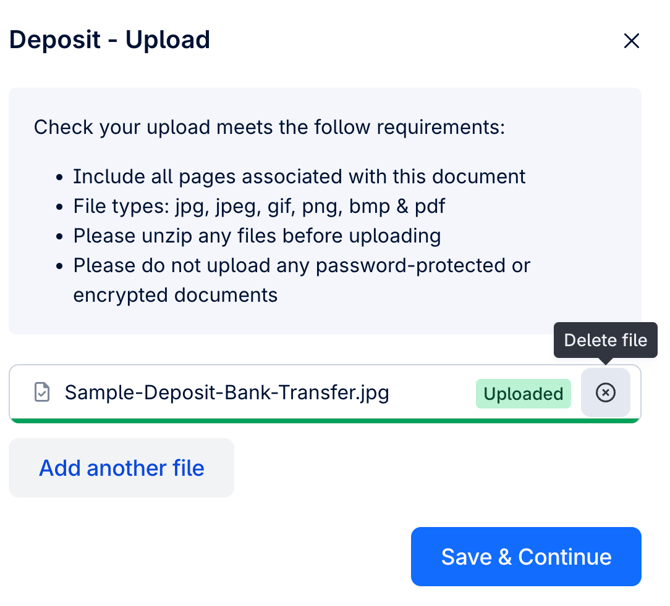
3. Click on the x to delete file as shown below
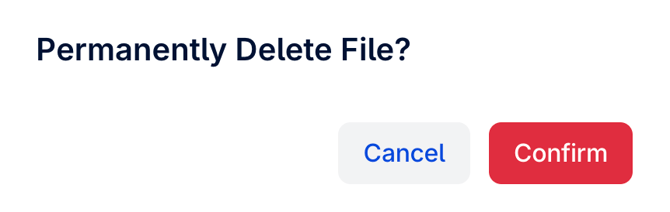
4. Click confirm.