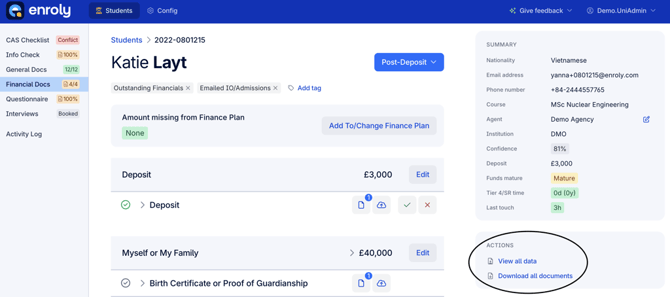
1. Navigate to the student's record and under Actions, click 'View all data'
Note: for information on how to download a student's documents, please check out the article here
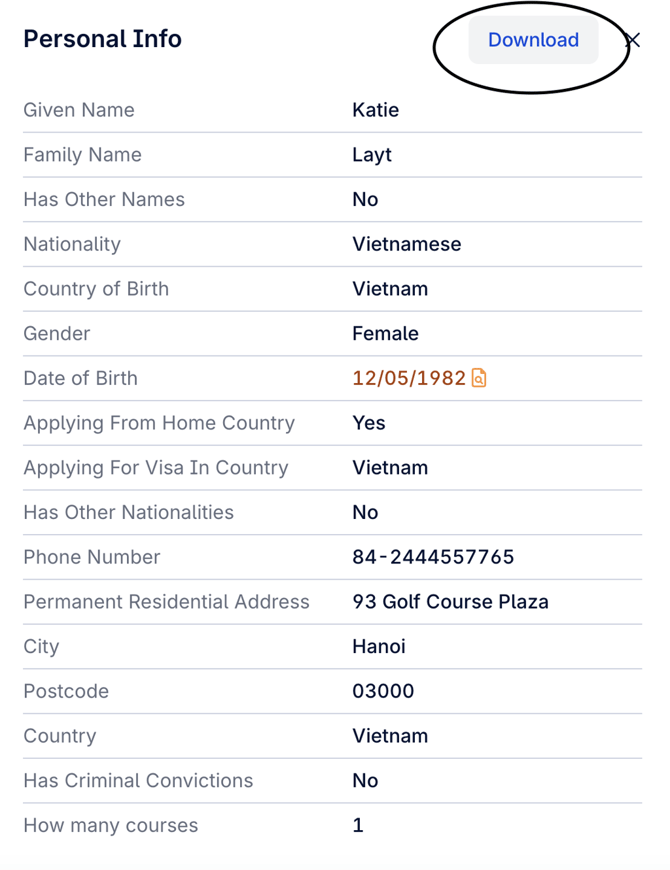
2. Below displays the pop up window 'View all data', with the option to download at the top, circled
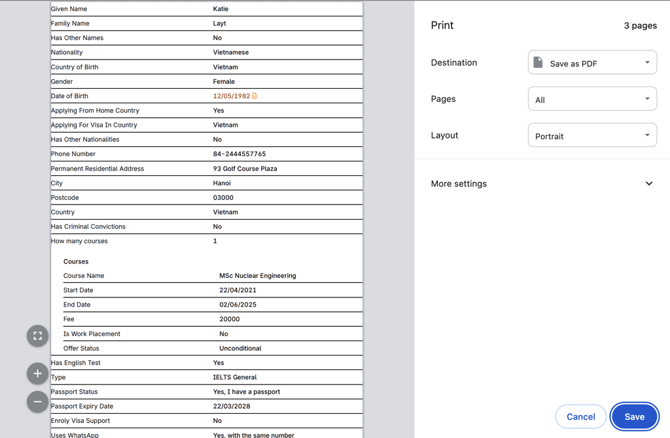
3. To download the data, choose your destination. You can also choose to print the data.