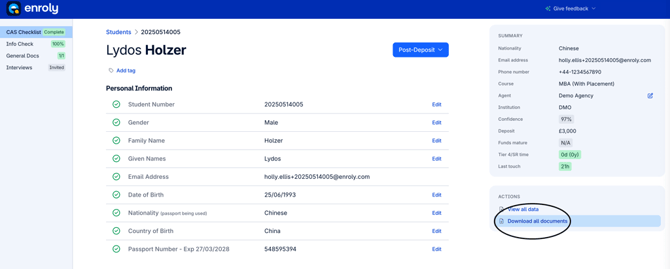
1. Go to the student's record, and in any section (CAS Checklist, Info Check, General Docs, Financial Docs etc.) click "Download all documents" under Actions on the right hand side.
Note: if you wish to download a student's data, check out our article here
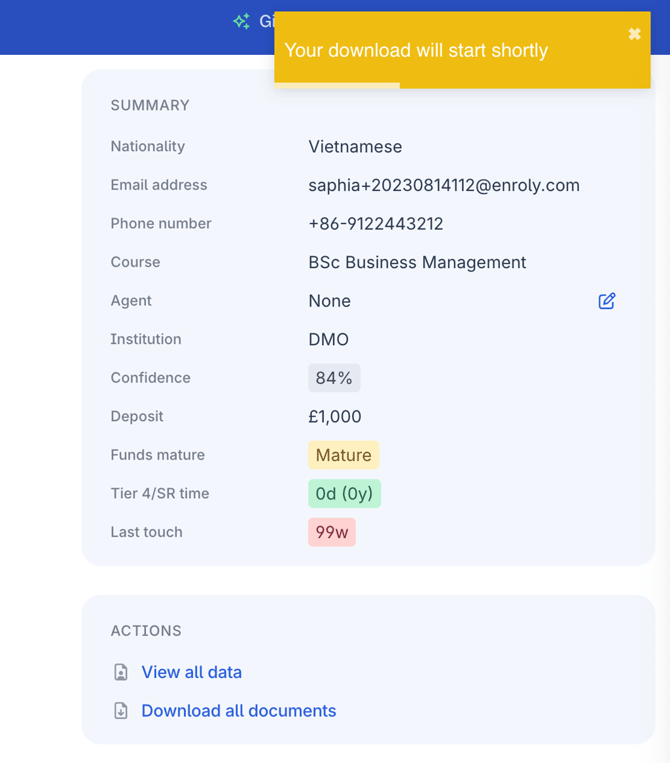
2. A notification will appear in the top right corner advising that the download will start shortly.
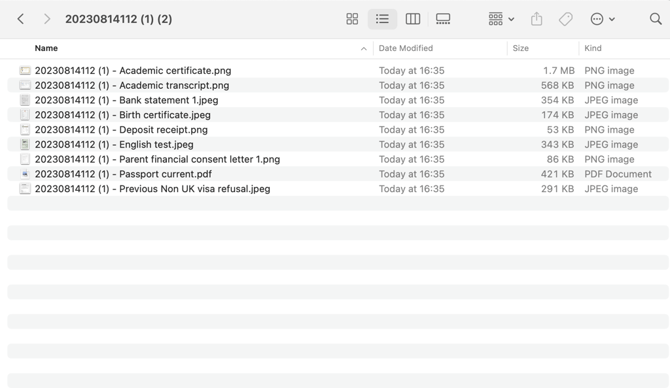
3. The documents will be downloaded grouped into one folder, with each document named using the student number and document category e.g. Academic certificate, Bank statement, Birth certificate.