
- Click on a student’s record
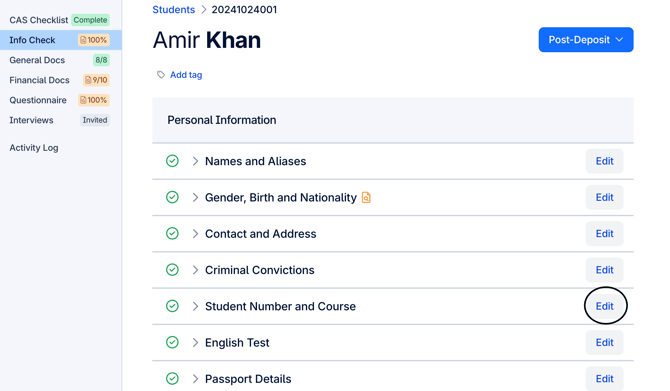
- Select the category you wish to edit, in this example it's course information from the Info Check
- Click on “Edit” to amend the information necessary
Note: UniAdmin, PathwayAdmin, Uni, Pathway, UniSecure, PathwaySecure can edit information on a student’s record on the CAS Checklist or Information Check section. UniLite and Pathway Lite users can only view the Information Check section and can edit it.
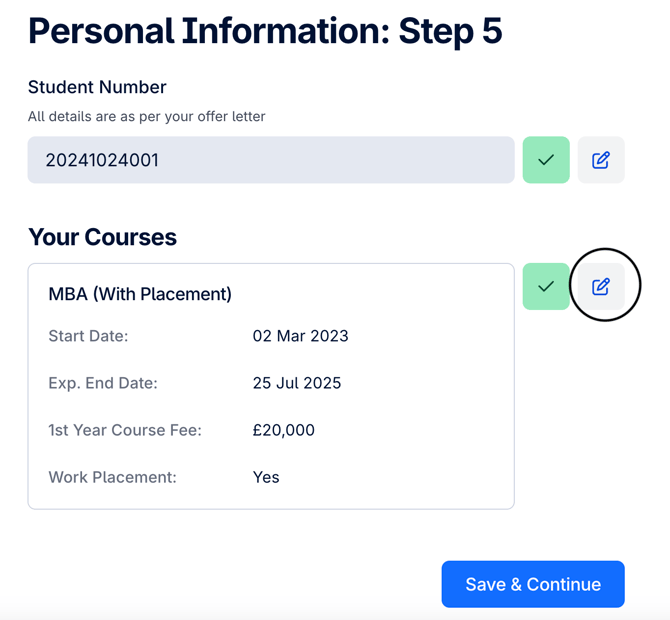
- Click on the edit button, found on the right of the green tick button
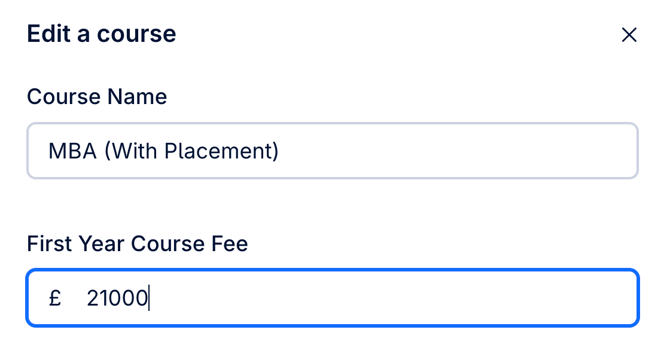
- Edit/change your data
- Scroll down and Save and continue
- Confirm the changes by clicking on the blue tick
- Save and continue
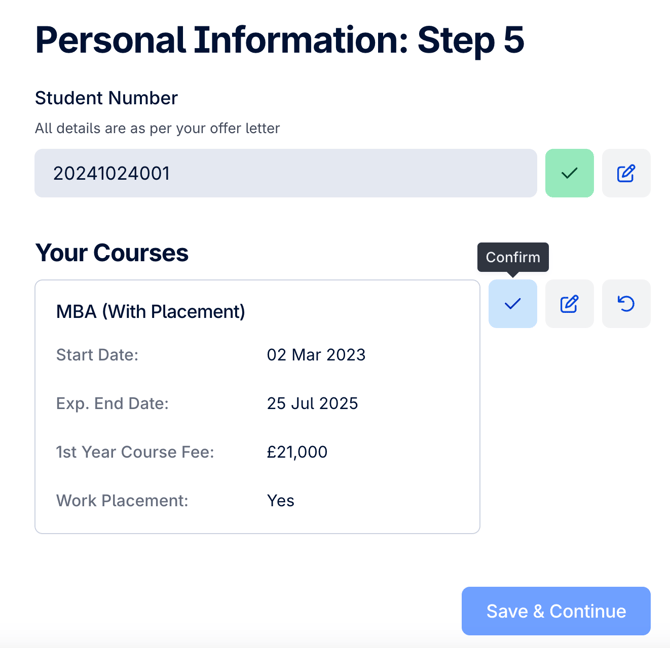
*Screenshots display how to edit a student's record on CAS Shield