
Step by step instructions on how to export dashboard data
- Click on the 'Export all' button found on the spreadsheet view.
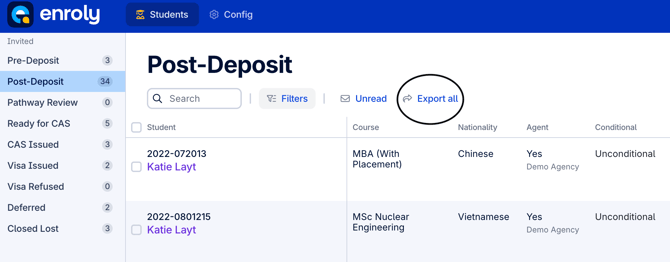
- This will export all data into a CSV file and download it to your device.
Note: You can use the filters button to segment your data before exporting, and only export the data you require. For more information on filters, see the article 'How to utilise filters'.
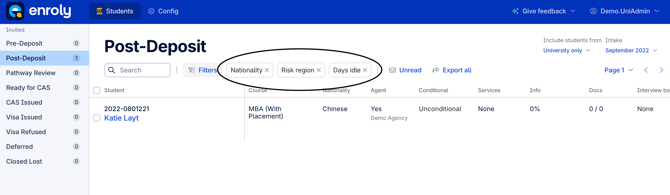
*Example of filters applied to segment the data