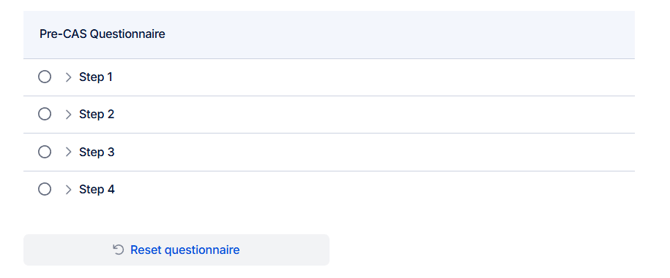
Step 1: Open the student record and go to the "Questionnaire" section.
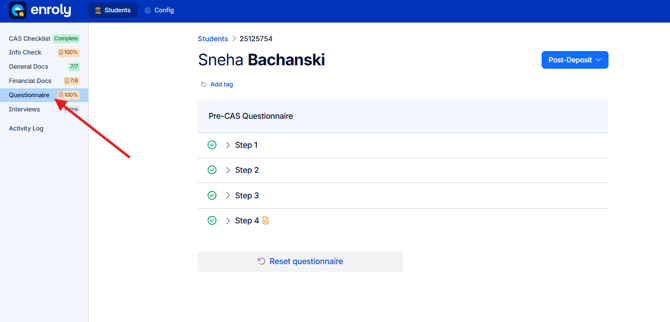
Step 2: Click Reset questionnaire. The system will process for a few seconds.
Once complete, reload the browser page.
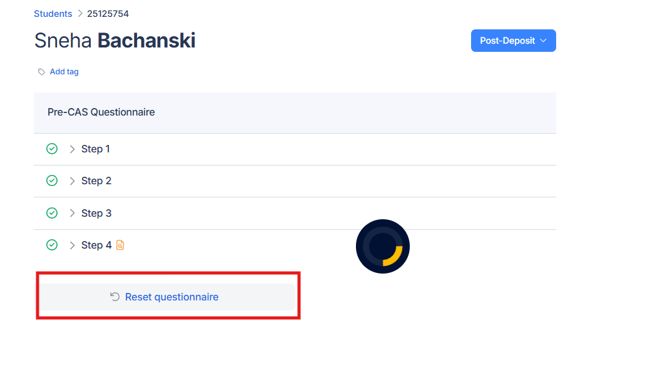
Step 3: After reloading, the questionnaire will be cleared, and the student can answer it again.
If a student reports that a step is greyed out or unanswerable, reset the questionnaire and advise them to:
-
Use a stable internet connection
-
Complete the questionnaire in one sitting