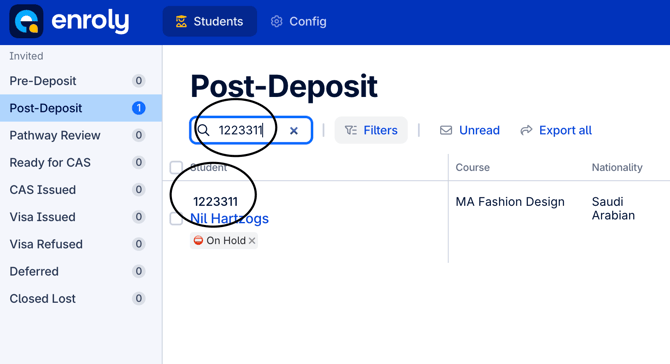
Additionally, searches can be conducted using other parameters such as nationality, course name, or any relevant value. Any student record containing the specified value will be returned in the results.
Step by step instructions on how to search for a student
1. Head to the search bar on the spreadsheet view
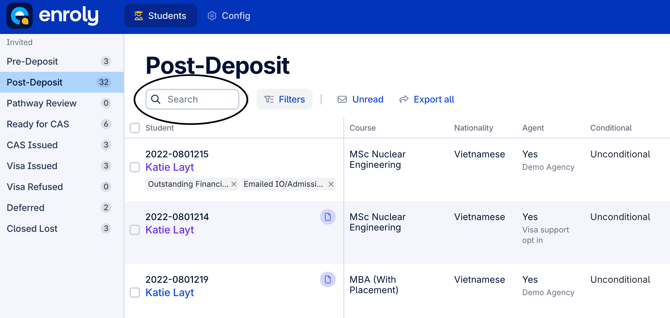
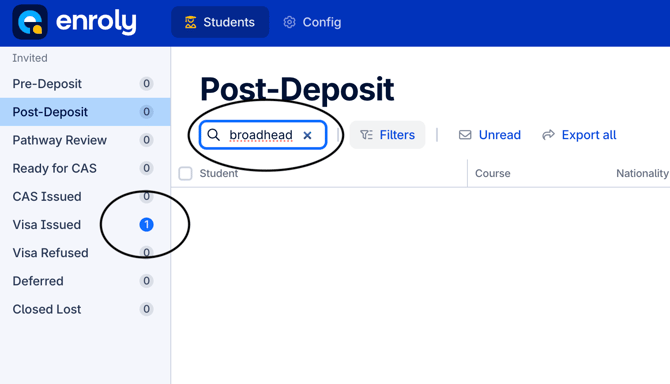
2. Search for the student you require. In this example we are searching for a student with the surname 'Broadhead'.
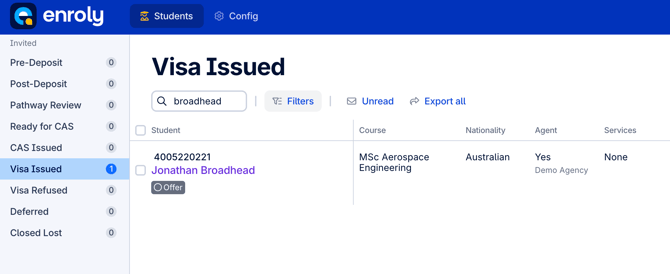
Note: If after searching for a student there is no result, check the left hand column as the student may be in a different stage. As seen in the example below, the student is in the Visa Issued stage.