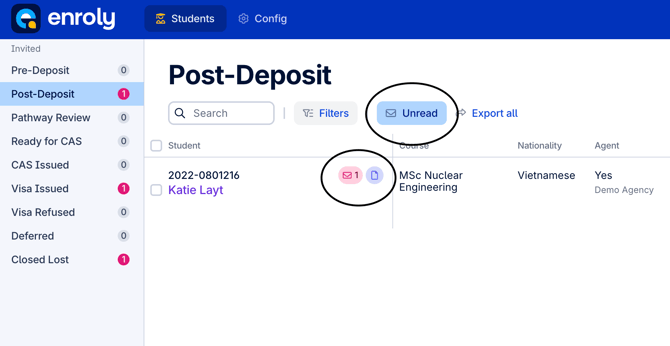
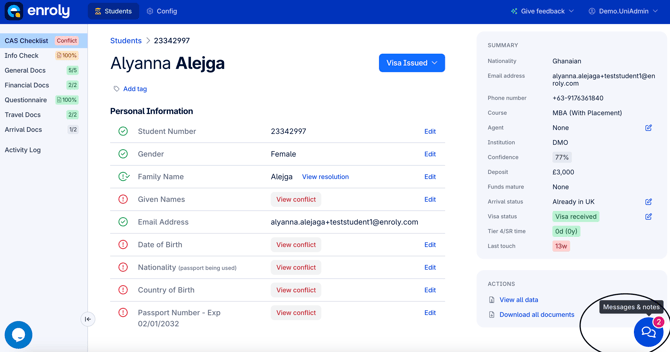
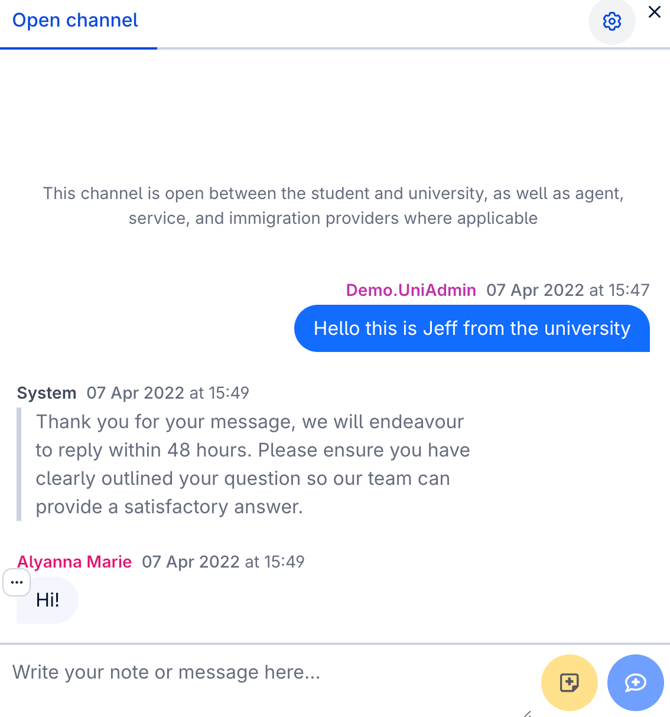
How to view unread messages from students Step by step instructions on how to view unread messages from students On the spreadsheet view, on the right of the search bar, hit the 'Unread' button Click the mail icon next to the student's name, circled. Once on the student's record, click the messages button on the bottom right to see the unread message(s)