
Note: When a document is opened, users can easily zoom in or out to see the details more clearly. They can also rotate the document to view it in the best position. These simple features make it easier to interact with and read the document.
Step by step instructions on how to preview a document
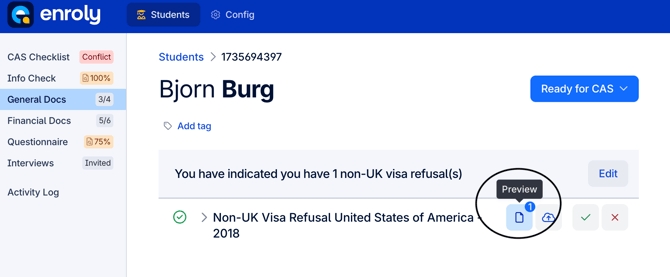
- Navigate to the document you wish to preview
- Click the preview document button
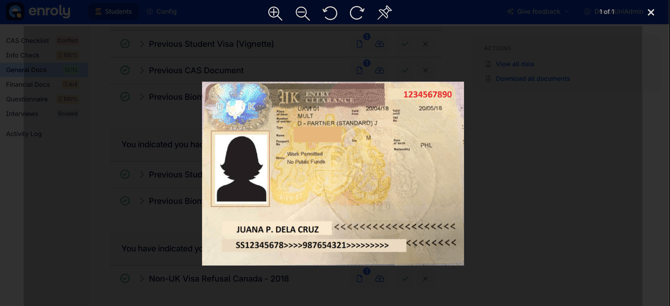
*Example of a previewed document